
1
We talk through your restaurant
We review your current system, your services and the data you can provide.
You get personal help. We import your guests (name, phone, email) and table numbers from a suitable export. We move your upcoming bookings by hand, together with you. We tell you in advance what cannot come across.
Or email support@servetta.online
You can switch from Zenchef, Guestplan, Couverto or a paper diary. Servetta costs €49 a month excl. VAT, with no commission per guest.
Handled together
Your export is the starting point. We check upcoming bookings with you.
We review your current system, your services and the data you can provide.
Together we get your floor plan and shifts ready. We import your guests and table numbers from your export.
We walk your team through Servetta and check the transferred bookings together.
Only when everything checks out do you replace the booking button on your site. We watch the first bookings with you.
Not sure about your export? Then we first look at what is in it together, before you decide anything.
We look at which guest and table data you can supply from Zenchef. We go through your upcoming bookings with you and move them by hand. Then we help you put the new booking link on your site, your Google Business Profile and Instagram. That is a link, not a Google integration.
We review the available export and your current floor plan. We rebuild your table layout and you check it. We move your upcoming bookings by hand.
Provide the available CSV or other export. We check which fields are usable and go through upcoming bookings together.
A spreadsheet or photos of your diary are a starting point. We set up your dining room and move the upcoming bookings together.
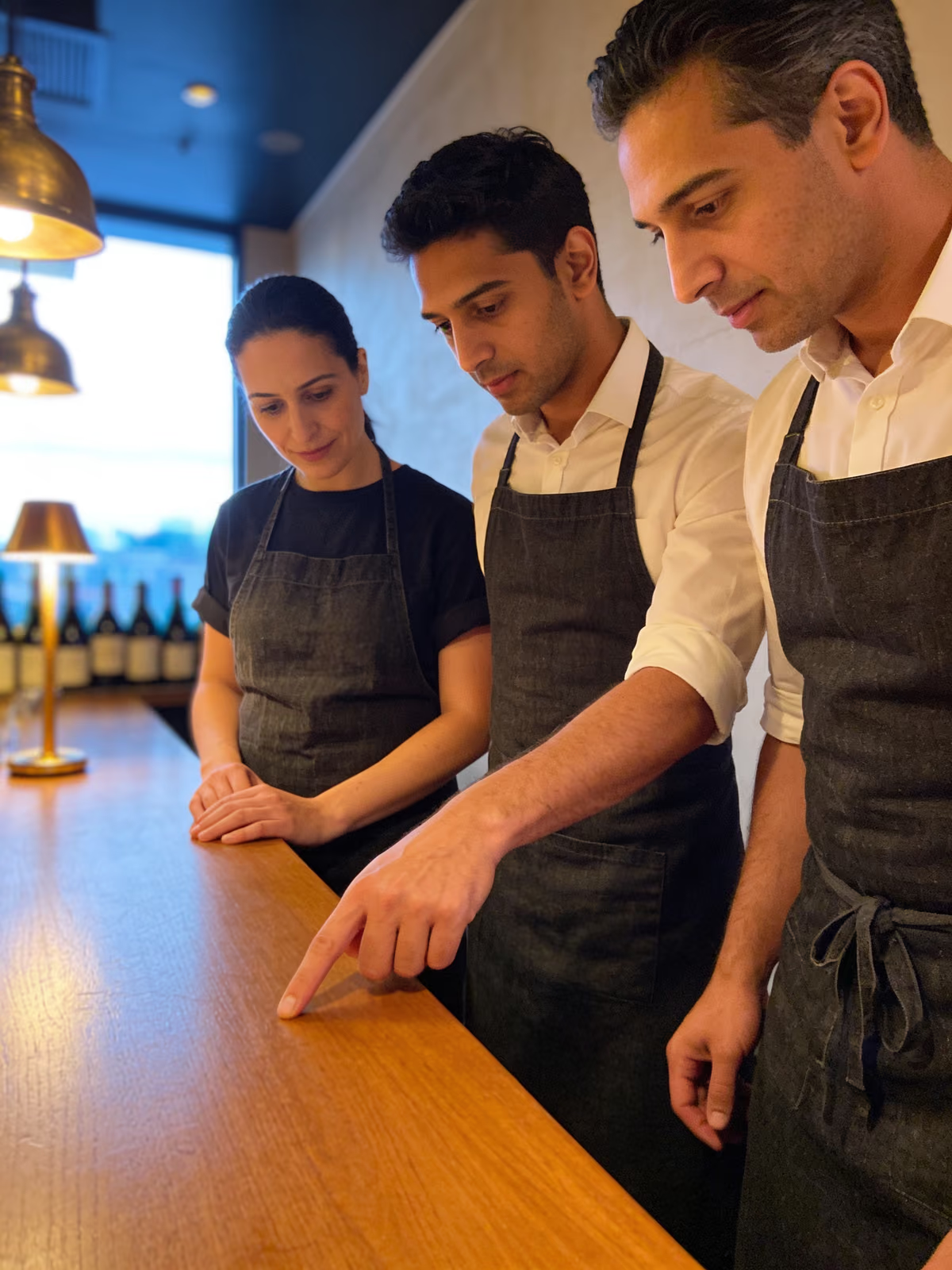
We practise with your team on the service screen: the list, the timeline and the floor plan. A question afterwards? Email us and a person will help you.
Ask us a questionNot automatically. We move them into Servetta by hand, together with you. For that we need an overview of your upcoming bookings: date, time, party size, name and phone or email. Every guest with an email address then gets a confirmation from your restaurant, with a link to change or cancel. Past bookings do not come across.
No. From your export we take name, phone and email. Allergies, notes, tags and past visits do not come across. If a guest gives an allergy when booking, it is stored in their profile.
That depends on your export, your room and how many bookings are already made. We plan it together first. Your current system can keep running until Servetta is ready. Note: your trial starts when you sign up, even if we are still setting things up.
No. Your current system can keep running while we set up Servetta. You only switch the button on your site once everything has been checked.
Then we look together at what is usable. If you work in Excel, save the file as "CSV UTF-8". We cannot import a guest without a phone number or email address. We do not read a PDF or photo automatically. We then move your upcoming bookings by hand. We tell you what cannot come across before you start.
Yes. You paste one snippet of code on your site, or put your booking link behind a button you already have. The link also works without a website, for example on Instagram or in your Google Business Profile. That is a link, not a Google integration.
We charge no separate switching fee for our help. The subscription costs €49 a month excl. VAT. You can try it free for 30 days first, without a credit card.
€49 a month excl. VAT
30 days free